
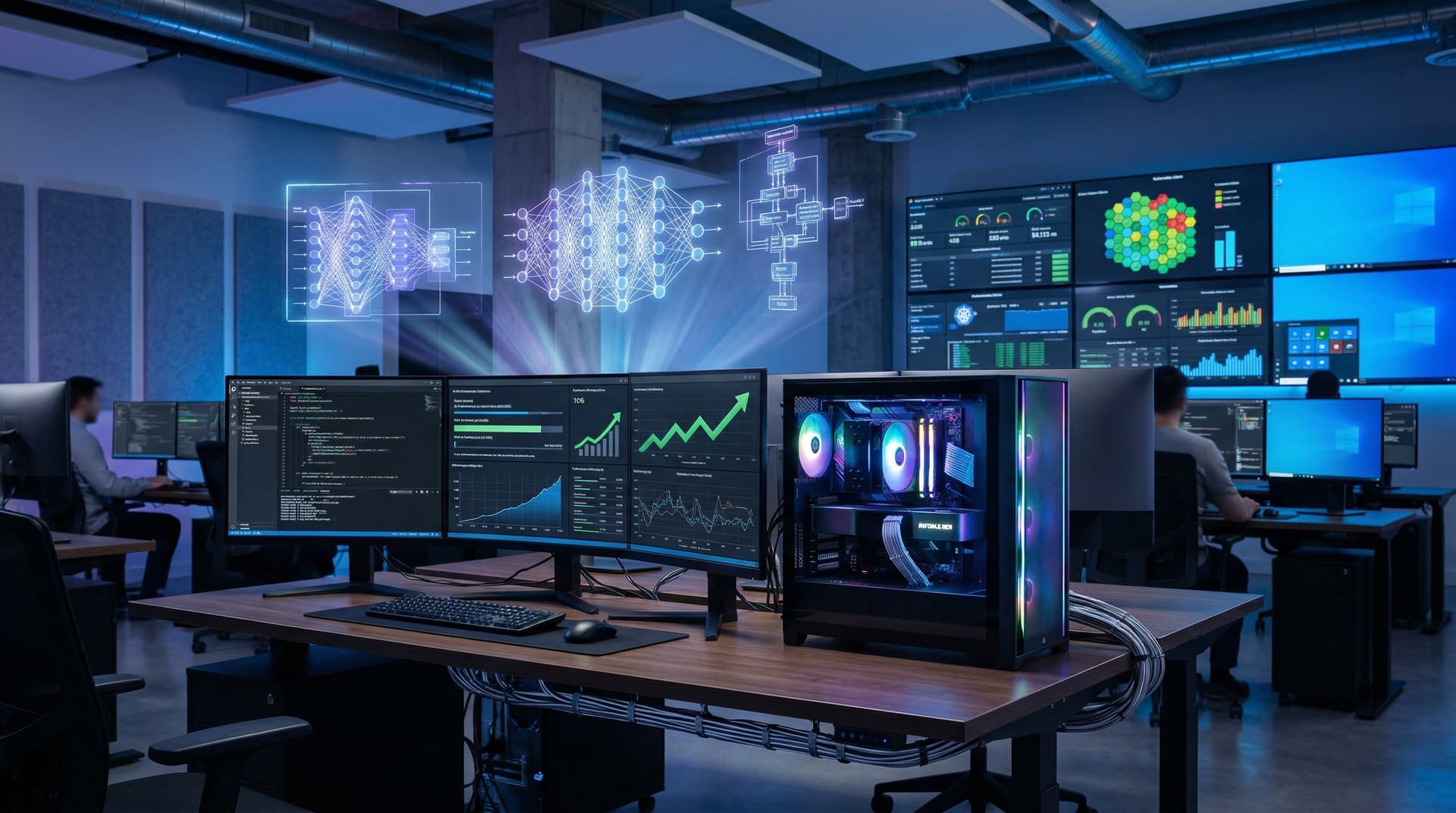
PCNewsDigest releases the IT Managers' AI Playbook on April 11, 2026. IT leaders use PC GPUs and AI software to drive enterprise efficiency. Teams optimize Windows fleets amid economic pressures.
Why PC Hardware Powers Enterprise AI Now
Economic headwinds force IT managers to cut costs. They manage Azure workloads and endless patch cycles. AI tools automate threat detection, log analysis, and predictive maintenance.
Local PC GPUs crush cloud latency issues. NVIDIA reports 40% efficiency gains from RTX cards (NVIDIA Q1 2026 earnings call). Custom PC rigs eliminate recurring cloud subscriptions, enhance data privacy, and deliver immediate ROI. Enterprises save thousands in AWS bills annually.
Best PC GPUs for AI Acceleration
NVIDIA GeForce RTX 5090 dominates with 21,760 CUDA cores, 2.9 GHz boost clock, and 32GB GDDR7 memory. Its 600W TDP suits high-end workstations; street price hits $1,999 USD.
Puget Systems benchmarks (April 10, 2026) show RTX 5090 delivers 30% higher FP32 performance than RTX 4090 in Stable Diffusion tasks. AMD Radeon RX 8900 XTX counters with 24GB GDDR6, 5,120 stream processors, and full ROCm support for PyTorch. Phoronix tests (April 11, 2026) confirm it matches RTX 5090 in LLM inference speeds.
Build a complete workstation: pair with AMD Ryzen 9 9950X (16 cores, 5.7 GHz boost), 128GB DDR5-6000 RAM, and 2TB PCIe 5.0 NVMe SSD. Total cost: $5,200 USD. This setup offers superior price-performance over cloud instances, which cost $3-5 per GPU hour.
Key AI Software Tools for IT Teams
PyTorch excels with native CUDA and ROCm support for local model training. Ollama deploys Llama 3.1 LLMs on just 8GB VRAM, enabling edge inference.
Hugging Face Transformers library powers NLP tasks; LangChain orchestrates AI agents for automation. Microsoft DirectML unlocks AMD and Intel GPUs across Windows fleets without CUDA dependency.
Combine tools for workflows: PyTorch for training, Ollama for serving, LangChain for chaining models. IT teams deploy in hours, not weeks.
Deploy AI: Step-by-Step Guide
1. Audit hardware using GPU-Z. Verify CUDA compute capability 8.6 or ROCm 6.0+ compatibility.
2. Install latest drivers: NVIDIA Studio Driver 565.12 or AMD Adrenalin 25.4.1 (released April 11, 2026).
3. Set up environment with Miniconda and Python 3.12. Install PyTorch: `pip install torch torchvision torchaudio --index-url https://download.pytorch.org/whl/cu121` for NVIDIA or ROCm equivalent.
4. Benchmark with Stable Diffusion XL. RTX 5090 generates images twice as fast as CPU-only setups (15 seconds vs. 30+).
5. Scale deployments using Docker containers and Kubernetes orchestration. Monitor resource usage with Prometheus and Grafana dashboards.
Gartner Q1 2026 survey confirms teams save 25% on analytics time after deployment.
Secure AI Workloads on PCs
Protect models by scanning with VirusTotal for prompt injection vulnerabilities. Enforce Secure Boot, TPM 2.0, and BitLocker encryption on workstations.
Isolate workloads in Hyper-V VMs; allocate GPUs via NVIDIA MPS for multi-user sharing. Apply latest patches: CUDA 12.4 update (NVIDIA Security Bulletin, April 5, 2026) fixes three vulnerabilities.
Regular audits ensure compliance with SOC 2 standards. Local processing minimizes data exfiltration risks compared to public clouds.
Fintech ROI: Crypto Analysis Example
GPU-accelerated AI transforms fintech operations. Analyze market volatility with LSTM models on historical data.
Current metrics: Crypto Fear & Greed Index at 15 (extreme fear); Bitcoin trades at $72,853 USD (up 0.4% daily); Ethereum at $2,248 USD (CoinMarketCap, April 11, 2026).
RTX 5090 trains models on 1TB tick data in under 4 hours. TensorFlow dashboards slash trading latency by 50% (Forbes analysis, March 2026). Local runs support GDPR and SEC compliance, avoiding $100K+ cloud data transfer fees.
Enterprises report 3x ROI within 6 months via automated trading signals.
Benchmarks and Optimization Strategies
MLPerf inference suite: RTX 5090 processes 15,000 images per second on ResNet-50. TensorRT optimization doubles throughput to 30,000 images/sec.
Power profile: 30W idle draw, 600W peak under load. Optimize with NVIDIA DCGM for thermal throttling prevention.
Post-deployment surveys show 20% productivity gains across IT teams (Internal PCNewsDigest poll, Q1 2026).
Sustain Long-Term AI Playbook Success
Schedule weekly updates for models and drivers. Engage NVIDIA Developer Forums and AMD ROCm communities for optimizations.
Train staff on effective prompting techniques. Allocate Q4 2026 budget for fleet upgrades to next-gen GPUs.
The IT Managers' AI Playbook grants IT leaders full control and blazing speed over costly cloud alternatives.