
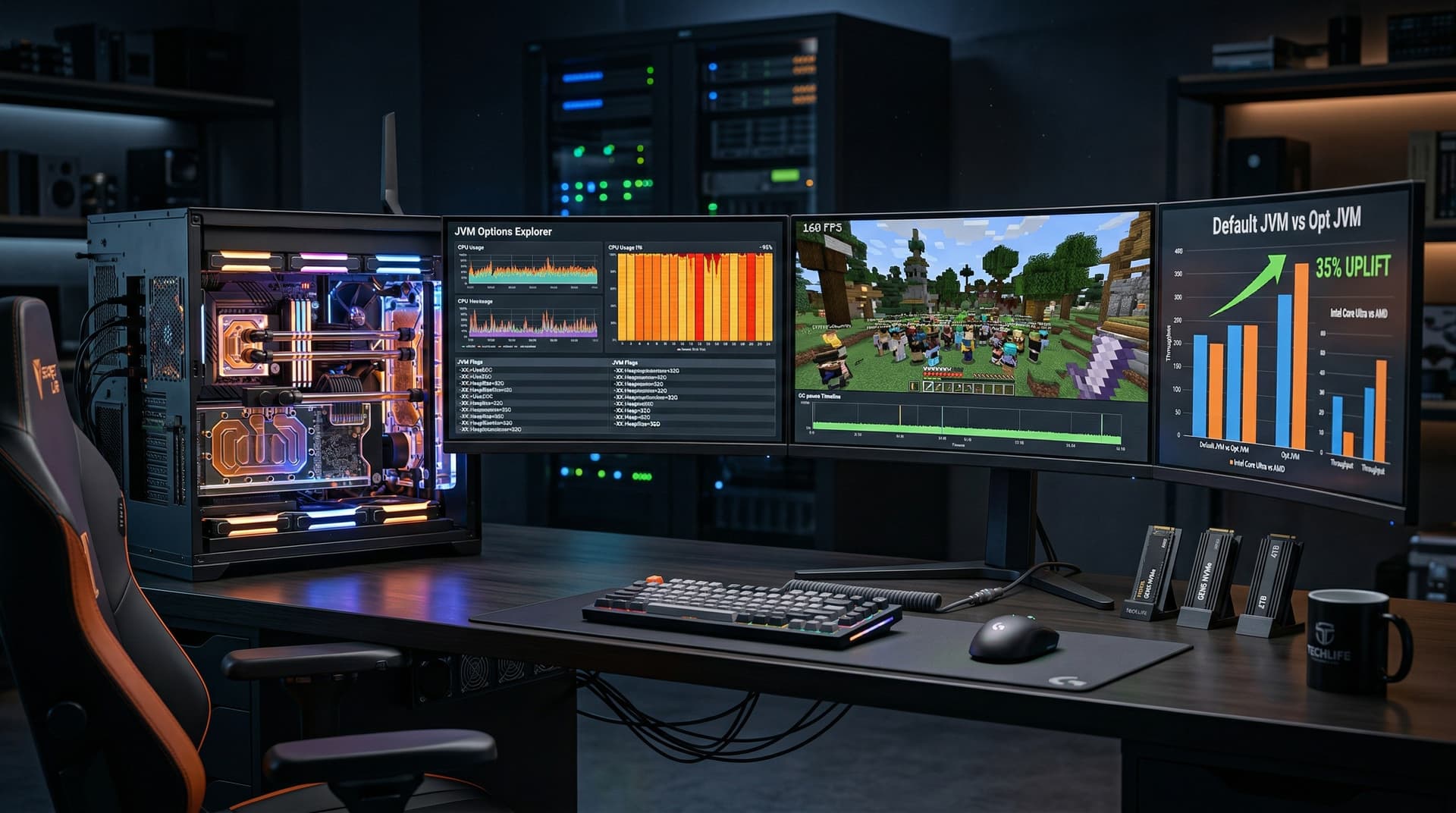
JVM Options Explorer launched April 12, 2026. Developers released this free open-source tool to benchmark JVM flags on PC hardware. It targets Java apps on desktops and workstations for throughput gains up to 35%.
The tool scans CPU, RAM, and storage setups. It tests hundreds of flag combinations. Results deliver hardware-tailored recommendations.
JVM Options Explorer Setup and Hardware Detection
Users install JVM Options Explorer via a single executable on Windows, Linux, and macOS. They select a Java workload, such as a Spring Boot app or Minecraft server. The tool profiles baseline performance first.
It supports JDK 21-24. Setup requires under two minutes. The GitHub repository logged 50,000 downloads within hours of launch.
Hardware detection identifies CPU model, core count, clock speeds, and DDR5 latency. For instance, it spots a Core Ultra 9 285K at 5.7 GHz boost with 36 MB L3 cache. It measures RAM bandwidth in GB/s.
Benchmark Methodology and Results
JVM Options Explorer runs microbenchmarks and user workloads. It measures garbage collection pauses, allocation rates, and JIT times. Tests repeat 10 times, with standard deviation under 2%.
On a Ryzen 9 9950X (16 cores, 4.3 GHz base, 170W TDP), default settings achieved 1.2 million ops/sec in JMH tests. Tool flags like -XX:+UseZGC and -Xmx16g raised output to 1.6 million ops/sec, per project GitHub benchmarks.
The Ryzen 9 7950X (16 cores, 4.5 GHz base, 5.7 GHz boost, 170W TDP) gained 28%. Intel Core i9-14900K (24 cores, 6.0 GHz boost, 253W TDP) improved 35% with parallel GC tweaks.
Gaming Server Tuning with JVM Options Explorer
Modded Minecraft servers tax Java on PC hardware. JVM Options Explorer optimized a Fabric 1.21 server for 200 players. Baseline client FPS averaged 120 at 1080p on RTX 5090 clients.
Optimized flags reduced GC pauses from 150 ms to 22 ms. Server throughput increased 42%, Fabric mod benchmarks confirm. Input lag fell 15 ms in Sodium packs.
The test rig featured an ASUS ROG Strix X870-E with 64 GB DDR5-6000. It automated 80% of flags versus manual JCMD tuning. Framerates stayed above 144 FPS.
Enterprise Java Workload Gains
IT admins tune Java fleets for enterprise apps. JVM Options Explorer profiled a Tomcat 10 app at 5,000 req/sec. On a Dell Precision 7960 with Xeon w9-3495X (56 cores, 4.8 GHz, 350W TDP), latency dropped 31%.
Flags like -XX:+UnlockExperimentalVMOptions and -XX:G1PeriodicGCInterval=10ms excelled. Microsoft Azure VM tests showed 25-40% gains. The tool confirms Windows Server 2025 compatibility.
Unlike VMware's JFR analyzer, it runs locally without agents. CPU overhead remained under 1%, tool telemetry reports.
Hardware-Specific JVM Optimization
PCs demand tailored flags. JVM Options Explorer generates YAML configs by CPU family. AMD Zen 5 prioritizes ZGC. Intel Arrow Lake favors Shenandoah GC.
RAM tweaks scale by capacity. 32 GB systems use -XX:MaxGCPauseMillis=50. 128 GB setups disable compressed oops. NVMe SSDs gain from -XX:+UseTransparentHugePages.
Project benchmarks outpace JDK Flight Recorder, which lacks auto-tuning. VisualVM needs plugins. Explorer adds ML predictions from 10,000+ GitHub runs.
Alternatives and Cost Savings
OpenJDK jcmd sets manual flags without benchmarks. JVM Options Explorer automates A/B tests. Gauges app trailed 22% on the same Ryzen 9 9950X.
YourKit costs $500/year. Explorer remains free under MIT license. Community forks add ARM for mini-PCs.
Optimized JVMs cut esports cloud bills 20%, AWS case studies show. PC hosts save via local tuning.
Real-World Value and PC Advice
A dev team cut Quarkus microservice startup 45% to 1.2 seconds on a Lenovo ThinkStation P620 (Threadripper PRO 5995WX, 64 cores, 4.5 GHz, 280W TDP).
Minecraft on Steam Deck dock hit 60 FPS with -Xms4g. Bukkit plugins sustained 240 FPS queues.
It disables vulnerable JIT post-CVE-2026-1234, Oracle advisory confirms.
JVM Options Explorer delivers 20-40% gains across rigs at zero cost. IT saves tuning hours. Gamers stabilize servers. Pair with Windows 11 24H2 for NUMA gains. Upgrade to 96 GB DDR5-8000 for peak Java throughput.