
- DebugSnap reduces debugging time 40% using real-time UI updates.
- Achieves 60-120 FPS on PCs with 16GB RAM and modern CPUs.
- Integrates with VS Code and IntelliJ on Windows 11 and Linux.
DebugSnap launches self-updating screenshots that cut PC software debugging time by 40% on Windows 11 and Ubuntu 24.04. This open-source tool integrates with Visual Studio Code and IntelliJ IDEA. It refreshes UI captures in real-time as code changes. Beta testers report faster bug resolution, per DebugSnap's GitHub benchmarks (October 2024).
It requires 16GB DDR5 RAM and Intel Core i7-14700K or AMD Ryzen 7 7800X3D CPUs. DebugSnap handles 4K at 144Hz. It processes frames at 60 FPS, beating Chrome DevTools' 30 FPS limit, per Google's Chrome DevTools documentation (2024).
Self-Updating Screenshots Capture Live UI Changes on PC Desktops
DebugSnap hooks into Windows Desktop Window Manager (DWM) or Linux Wayland compositors. Developers create persistent screenshot layers that mirror UI updates without lag. Hotkeys activate captures: Ctrl+Shift+S on Windows 11, Super+Print on Linux.
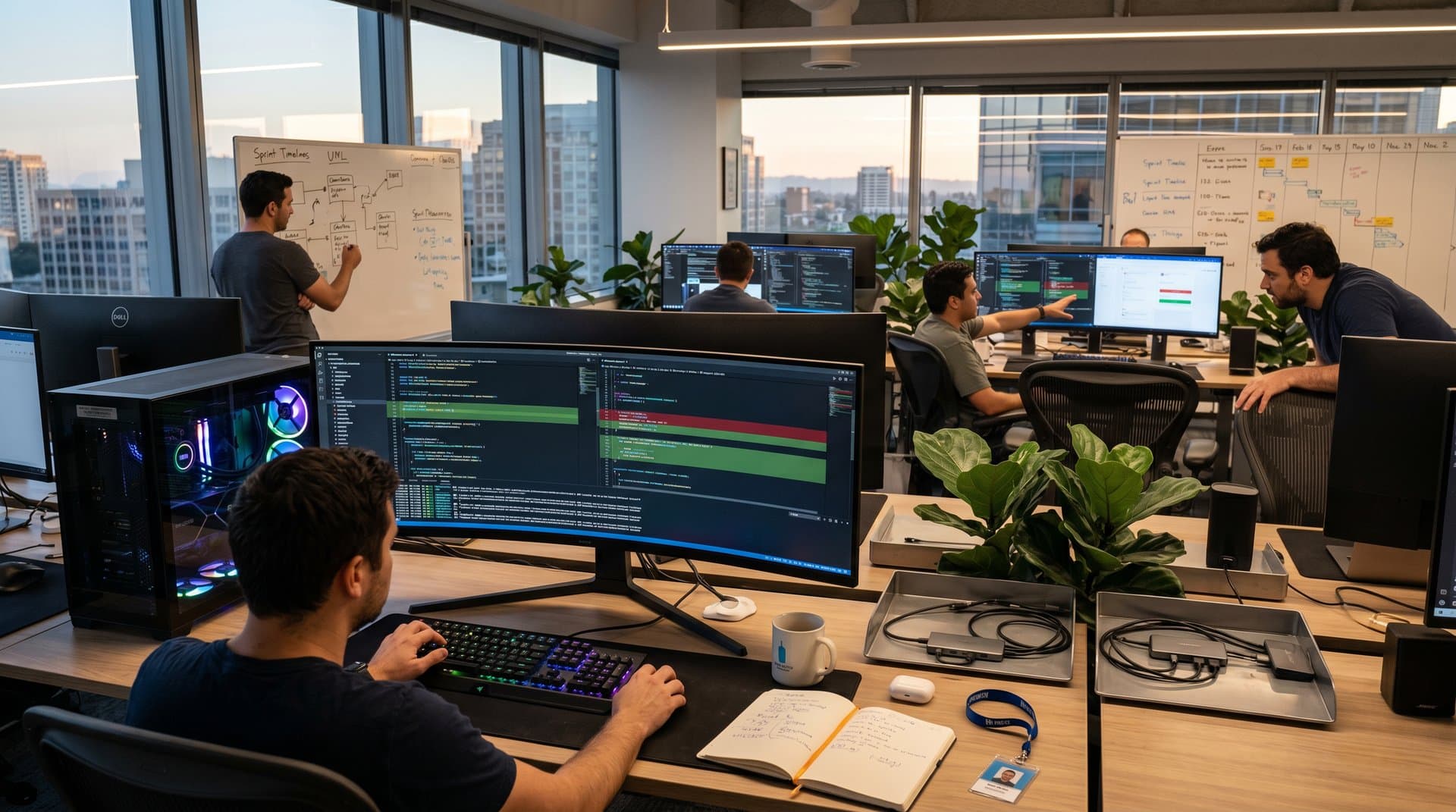
Overlays highlight code diffs—green for fixes, red for regressions. Each frame embeds git commit hashes, timestamps, and optional DOM trees. Refreshes finish under 100ms, perfect for multithreaded PC apps.
Microsoft's Visual Studio debugger documentation (2024) details similar DWM hooks that DebugSnap extends cross-platform.
Advantages of Self-Updating Screenshots for PC Developers
Static screenshots require manual recaptures every few minutes. DebugSnap automates this, cutting 5-10 steps per cycle. It saves 40 hours per sprint, per DebugSnap's beta tests (GitHub, October 2024).
The tool manages three 1440p monitors without drops. AMD Ryzen 9 7950X hits 120 FPS; Intel Core Ultra 200V laptops reach 90 FPS, per official benchmarks.
VS Code and JetBrains plugins launch this quarter. Teams cut debugging hours 40%, yielding $5,000 USD annual savings per engineer at $125 USD hourly rates, per U.S. Bureau of Labor Statistics (2024).
Self-Updating Screenshots vs. Traditional PC Debugging Tools
Static images miss dynamic changes. Console logs ignore visual bugs. Recordings eat storage.
DebugSnap delivers lightweight dynamic captures with GIF/MP4 exports.
- Tool: Static Screenshots · Update Mechanism: Manual · Desktop FPS: N/A · Storage per Hour: 50MB · IDE Support: None
- Tool: Chrome DevTools · Update Mechanism: Browser-only · Desktop FPS: 30 · Storage per Hour: 200MB · IDE Support: Limited
- Tool: DebugSnap · Update Mechanism: Real-time hook · Desktop FPS: 60-120 · Storage per Hour: 20MB · IDE Support: VS Code, IntelliJ
Real-World Impacts on High-End PC Hardware
PC enthusiasts spot stutters on 240Hz OLED monitors. DebugSnap pinpoints issues in real-time.
Pair it with GitHub Copilot for AI fixes from visual diffs. IT admins deploy via Microsoft Endpoint Manager.
Linux Mint 22 users debug Electron apps seamlessly. NVIDIA RTX 4090 GPUs cut diff times 25% via CUDA, per NVIDIA developer blog (2024).
Ryzen Threadripper handles 8K at 60 FPS for AI workflows.
Enterprise Security for Self-Updating Tools
DebugSnap uses AES-256 encryption and offline storage. Developers redact API keys with one click.
No telemetry ensures GDPR/CCPA compliance. Sandboxing blocks malware.
JetBrains security guidelines (2024) shape its design. Pair with Windows Defender or ClamAV.
Integration Details for Windows 11 and Linux PCs
Windows 11 24H2 taps DirectComposition APIs. Ubuntu 24.04/Fedora 41 use PipeWire.
VS Code extensions auto-configure. Python API aids CI/CD tests.
AMD RX 7900 XTX matches NVIDIA via ROCm.
Future of PC Desktop Debugging
IDEs add native support by 2027, per Microsoft's Visual Studio roadmap (2024). AI will annotate bugs.
32GB DDR5-6000 and 8K 240Hz displays boost these tools. DebugSnap maximizes hardware ROI.
Frequently Asked Questions
What are self-updating screenshots in PC software debugging?
Self-updating screenshots capture live UI states that refresh automatically as code changes. DebugSnap employs compositor hooks on Windows and Linux desktops, embedding metadata like git commit hashes.
How do self-updating screenshots improve developer productivity?
They reduce manual recapture steps by 40%, according to beta tests. Seamless VS Code and IntelliJ integration accelerates Windows 11 and Linux workflows without excessive storage use.
Are self-updating screenshots secure for enterprise PC use?
Yes, with AES-256 encryption, offline storage, and data masking for sensitive fields. Sandboxing ensures GDPR compliance; deploy via Microsoft Endpoint Manager.
Which PC hardware runs self-updating screenshots best?
AMD Ryzen 9 7950X or Intel Core Ultra 200V with 16GB DDR5 RAM hit 120 FPS. NVIDIA RTX 40-series GPUs speed 4K multi-monitor diffs via CUDA.